

Последнее обновление: 02.03.2022

 0 Отзывов
 0 Заказов
 0 Отзывов
0 Заказов
0 Отзывов
0 Заказов
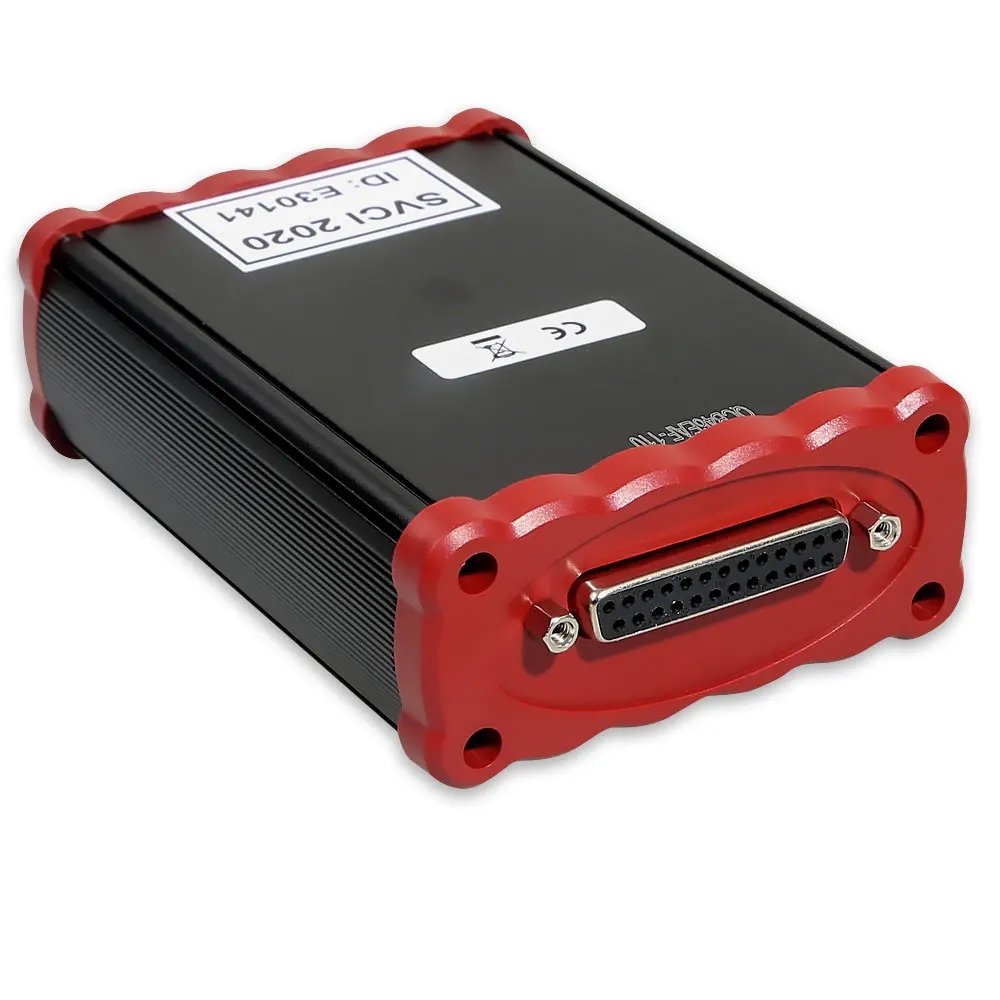
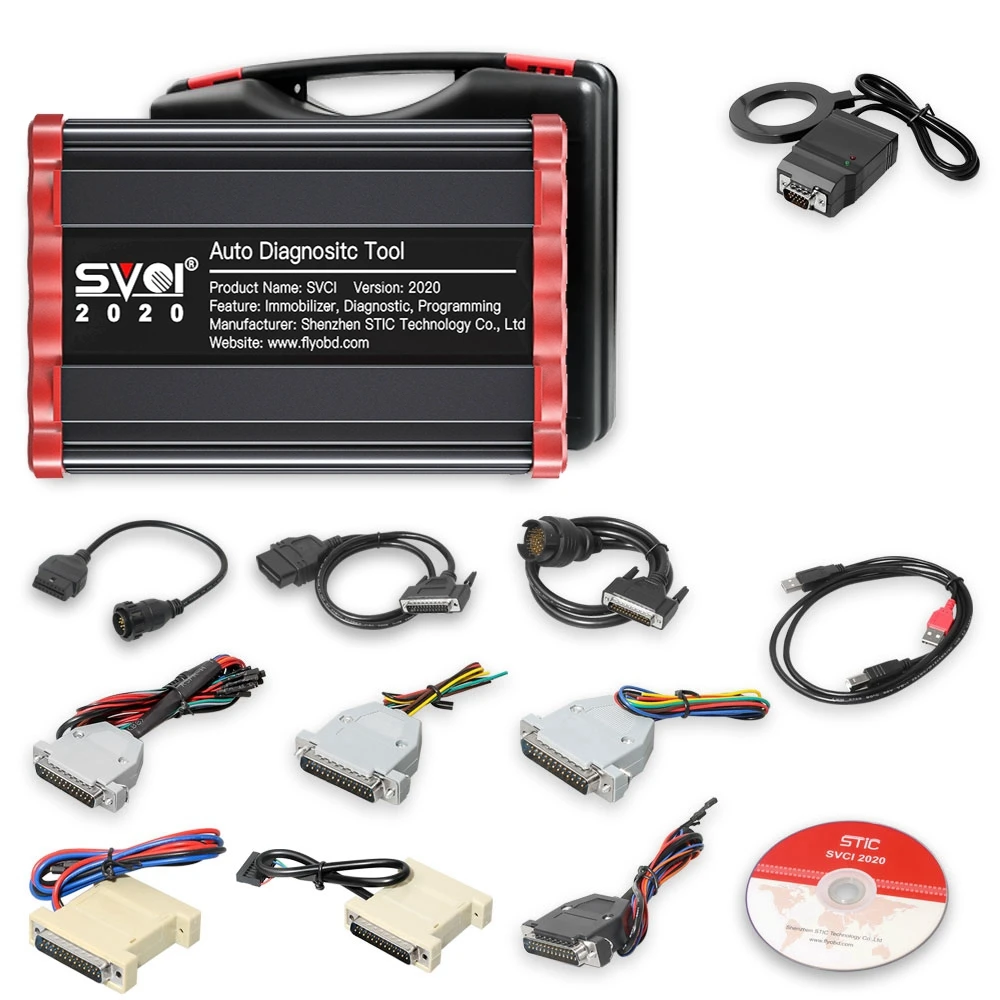
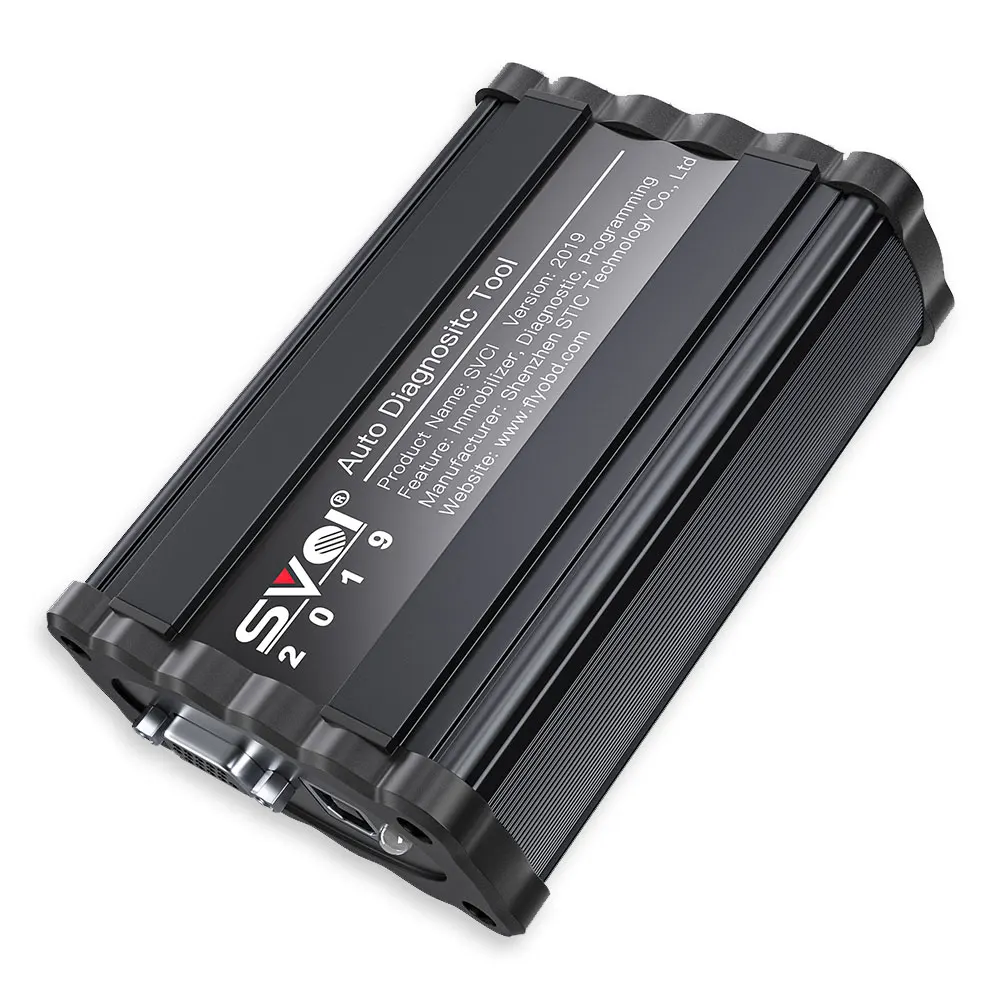
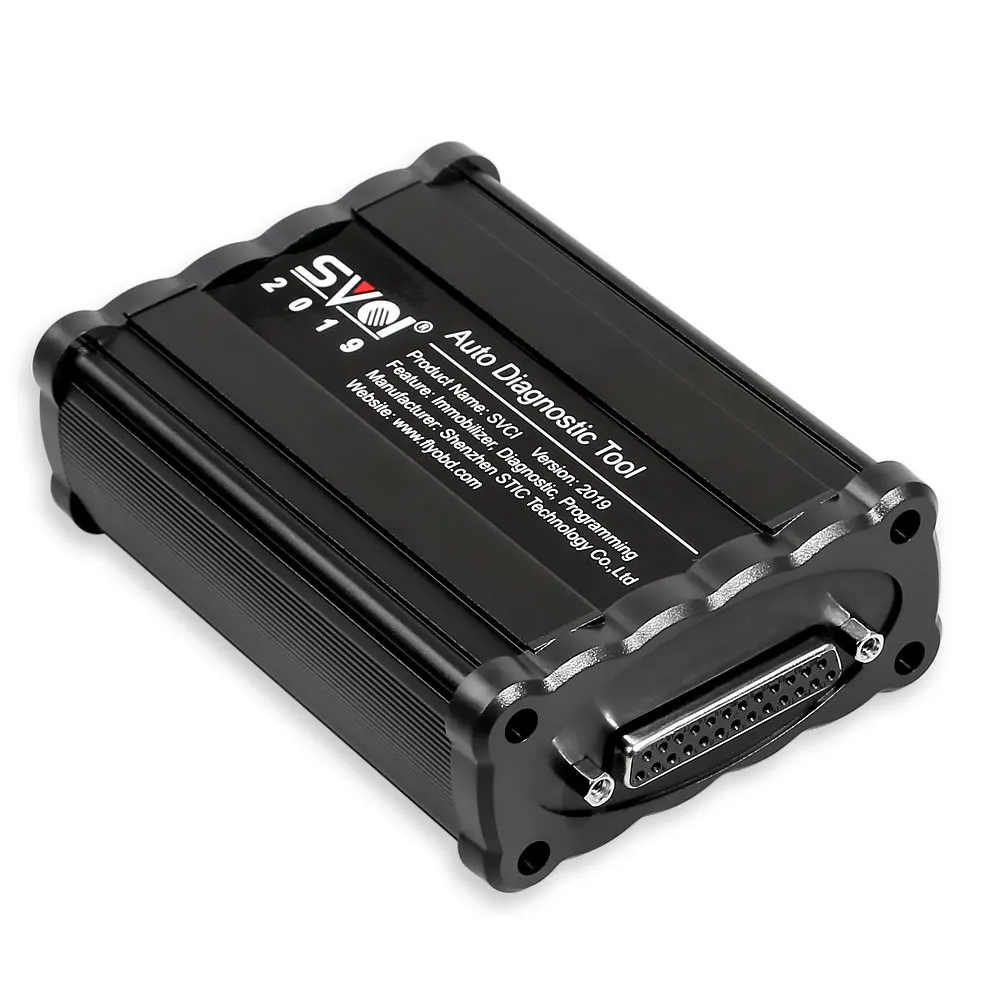
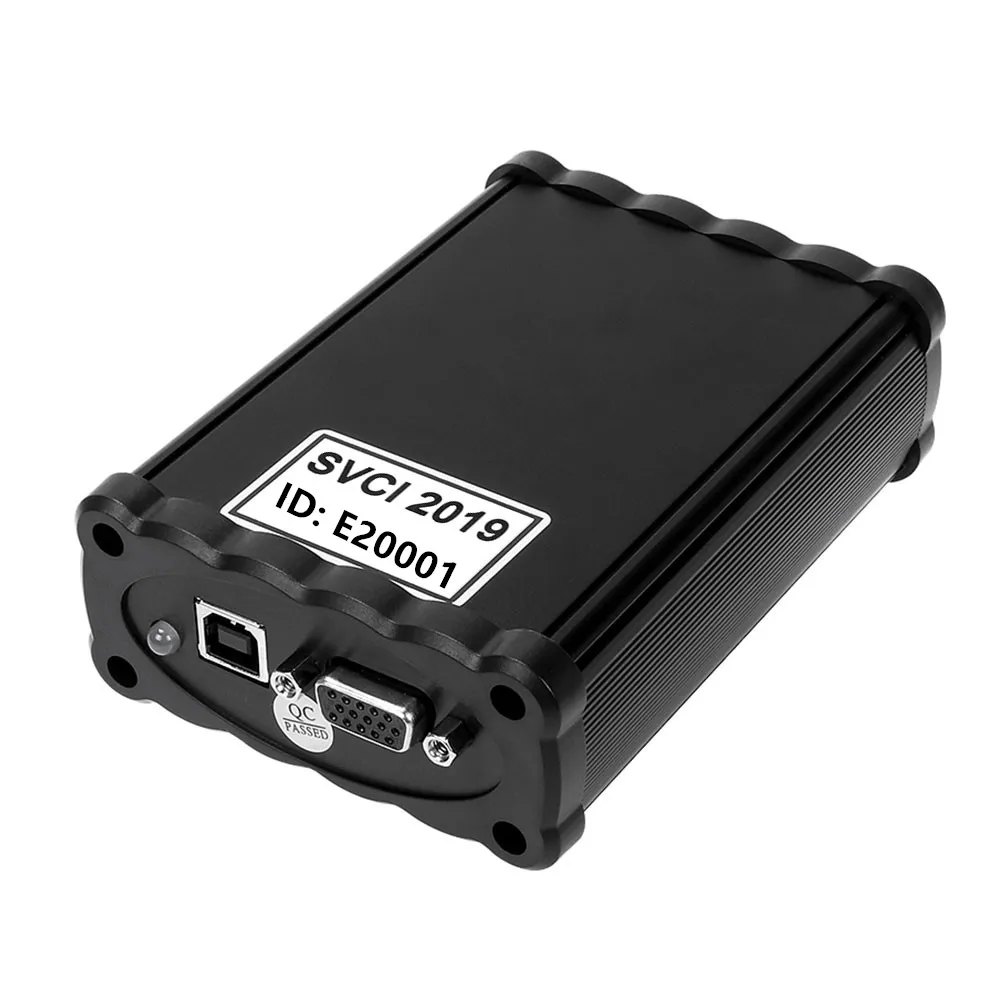
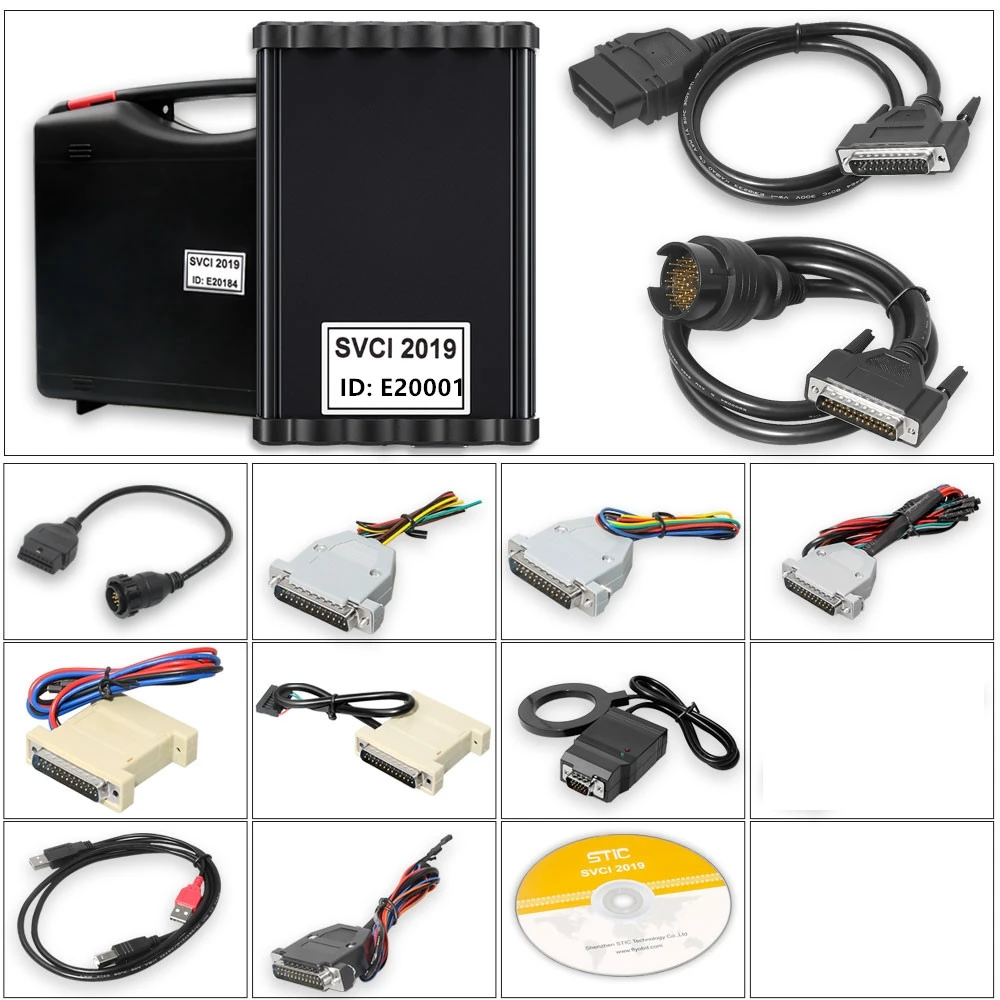
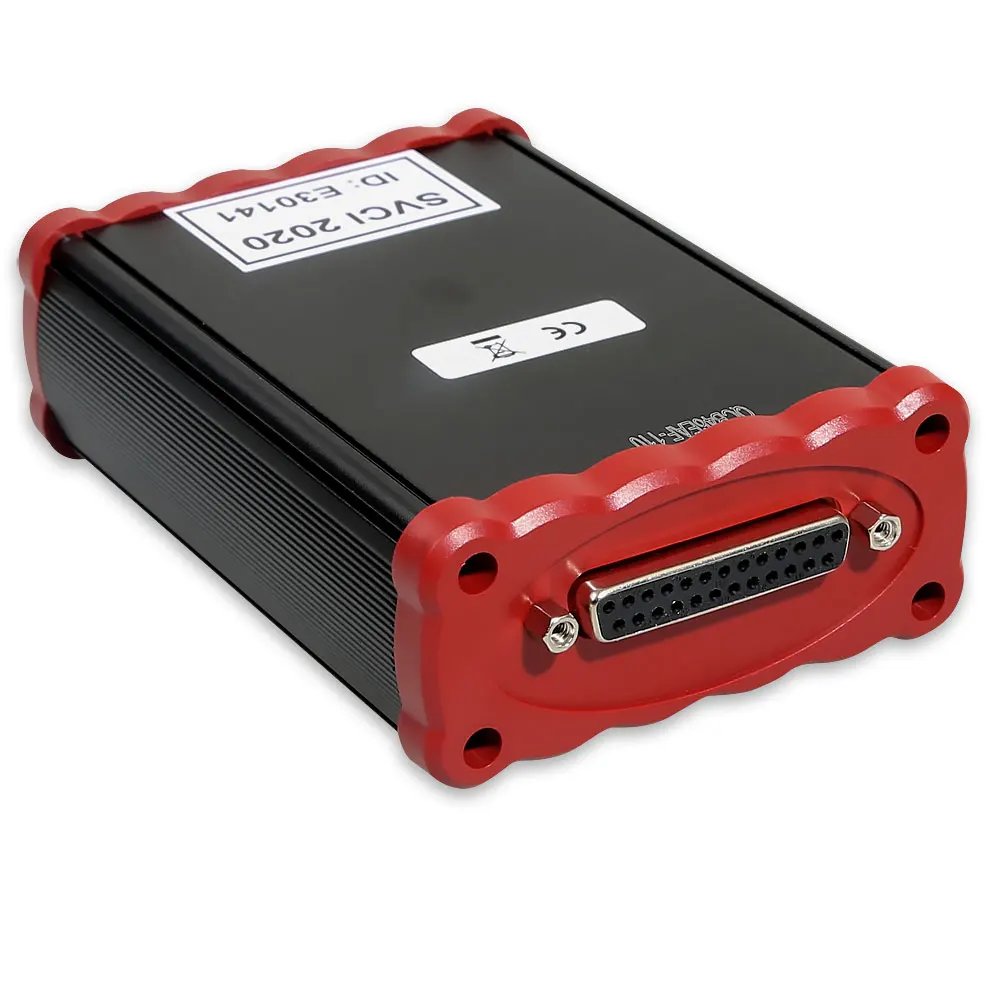
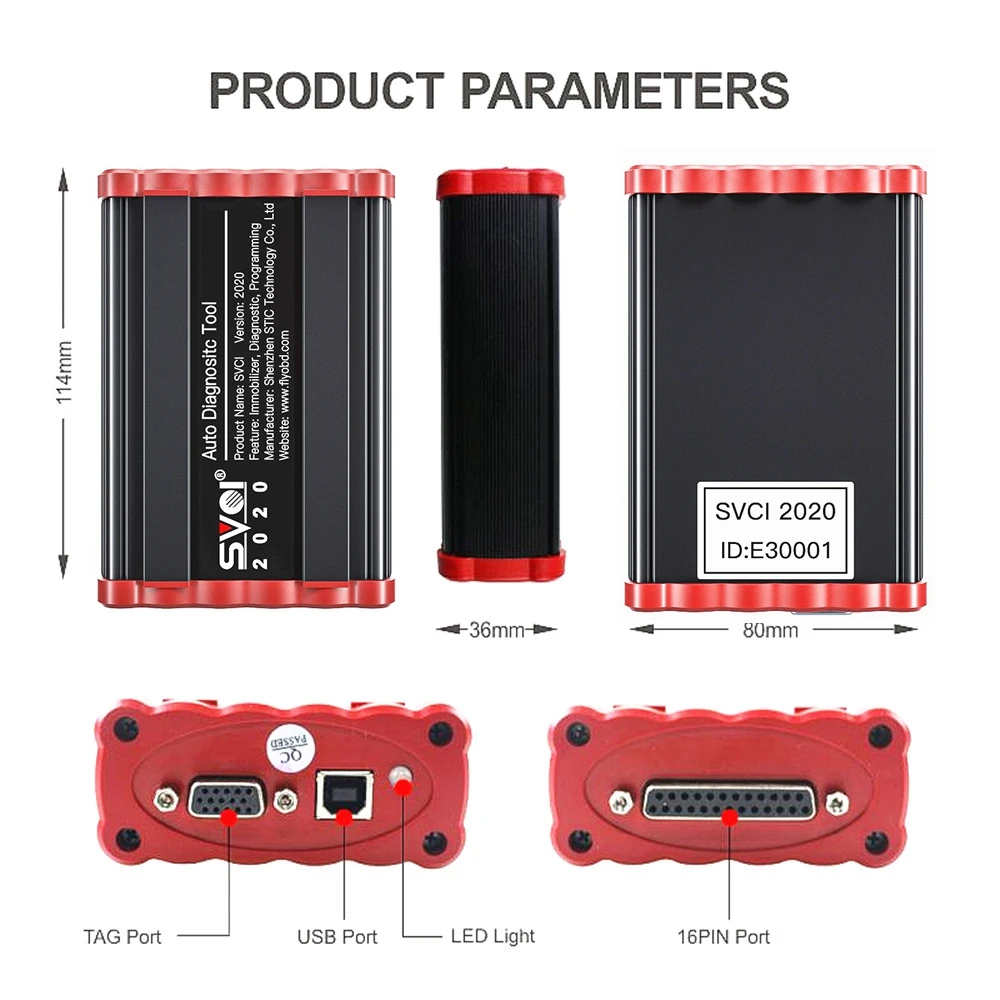
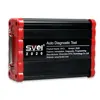
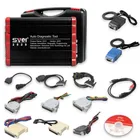
 SVCI 2020 V38.1 OBD2 Key Programmer New Abrites Commander VVDI2 SVCI Full Function Unlocked Version SVCI 2019 2020 Update 21 SW
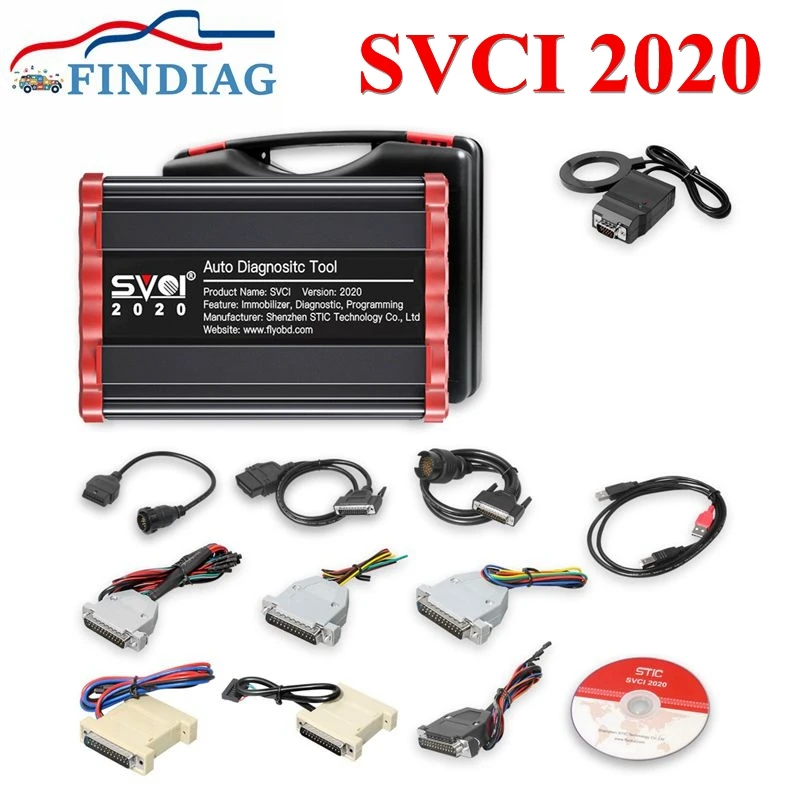
SVCI 2020 Diagnostic Tool with Full 21 Software
Hightlights:
Does not require activation; Won't be locked.
Adds Extar software For Suzuki, For JLR and For Daihatsu
(other does not support)
Support all 19 software till year 2019
Adds 19 software than 2018
SVCI 2020 New in V37.0:
The difference between SVCI 2020 and SVCI 2018:
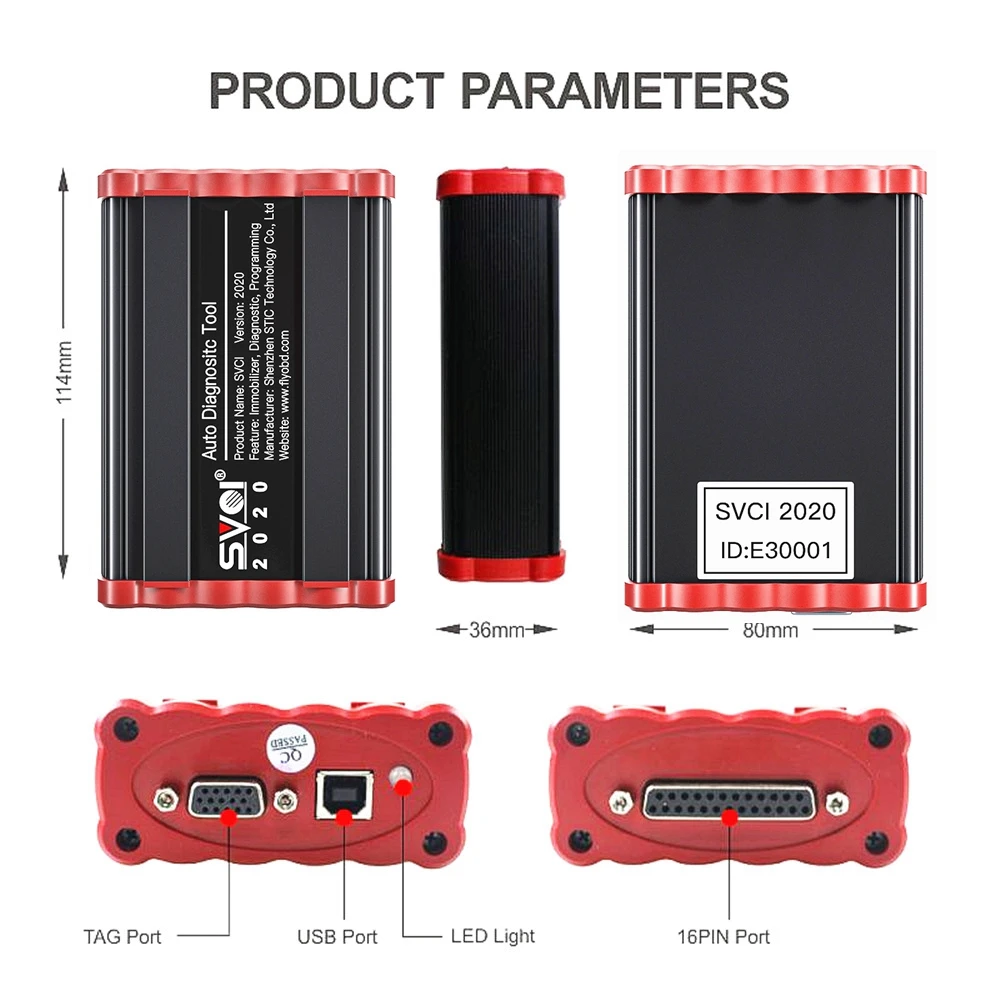
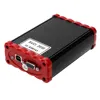
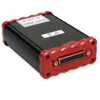
The hardware difference is that the SVCI 2020 has fewer button batteries than the SVCI 2018. SVCI 2020 does not require activation, does not lock the machine, and the serial number is not lost.
The software difference is that SVCI 2020 has 19 more software than SVCI 2018:
1. ABRITES Commander for VAG V37.0,
2. ABRITES Commander for BMW V10.5,
3. ABRITES Commander for Mercedes V10.4
4. ABRITES Commander for Bikes V2.0
5. ABRITES Commander for Chrysler V3.4
6. ABRITES Commander for Daihatsu V1.4
7. ABRITES Commander for FIAT V7.6
8. ABRITES Commander for Ford V7.7
9. ABRITES Commander for Hyundai V4.4
10. ABRITES Commander for JLR V2.6
11. ABRITES Commander for Mitsubishi V3.7
12. ABRITES Commander for Nissan V5.7
13. ABRITES Commander for OPEL V7.5
14. ABRITES Commander for Porsche V7.1
15. ABRITES Commander for PSA V6.3
16. ABRITES Commander for Renault V7.4
17. ABRITES Commander for Suzuki V1.2
18. ABRITES Commander for Toyota V11.4
19. ABRITES Commander for Volvo V6.2
These 19 softwares are the latest software, support the fault diagnosis of the new model of 2019, clear the fault code, read the data stream, action test and other basic functions, and currently do not support special functions.Among them, For Suzuki, For Daihatsu contains special features
SVCI 2020 software installation:
The CD has only one executable file. Double-click "AbritesCommanderSetup.exe" to start the installation. Do not plug the USB into the computer during the installation process. After the installation is complete, USB is connected to the computer.
SVCI 2020 quick start software usage:
The SVCI 2020 Quick Start software has 42 shortcut icons, and the left mouse click on the icon to launch the corresponding software. Compared to the quick start of SVCI 2018, the activation dialog is not displayed after clicking the icon.
The last icon is the firmware upgrade program, click to launch the firmware upgrade program. You must be connected to the Internet to download the latest firmware. After downloading, click Upgrade to update the firmware.
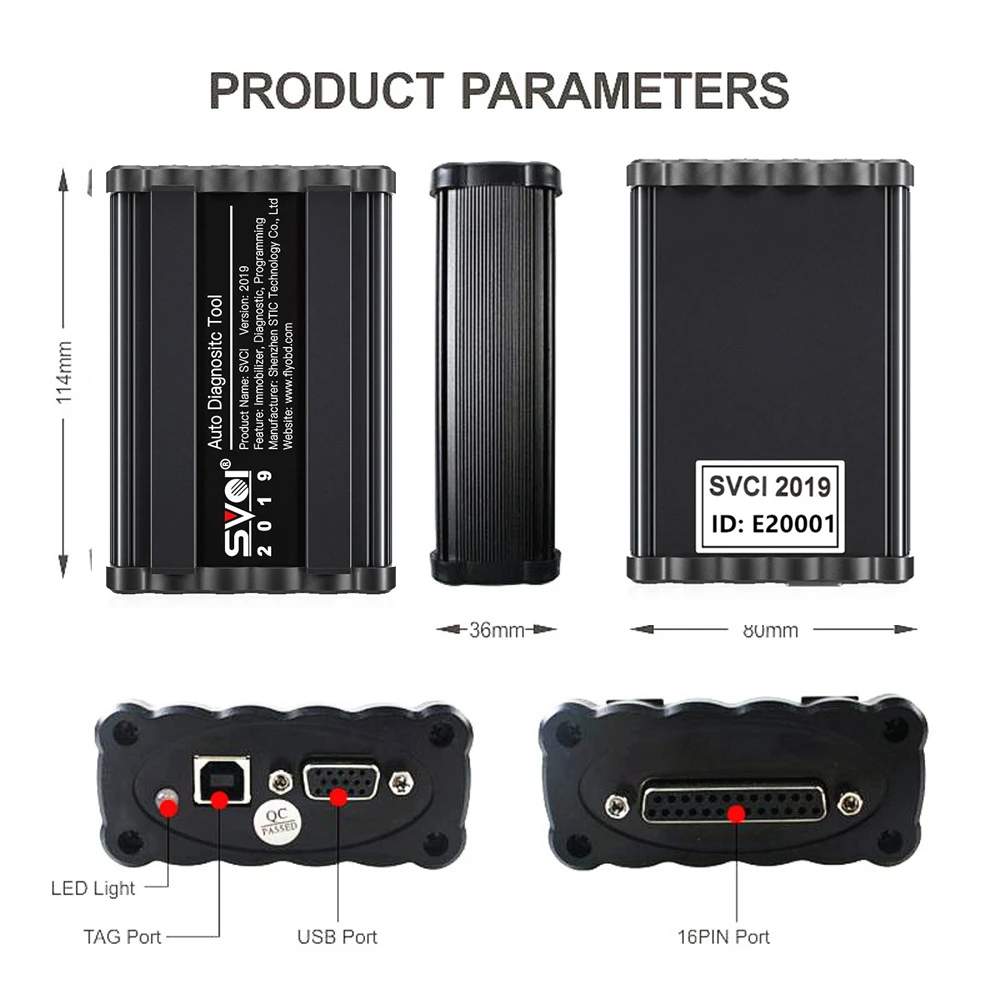
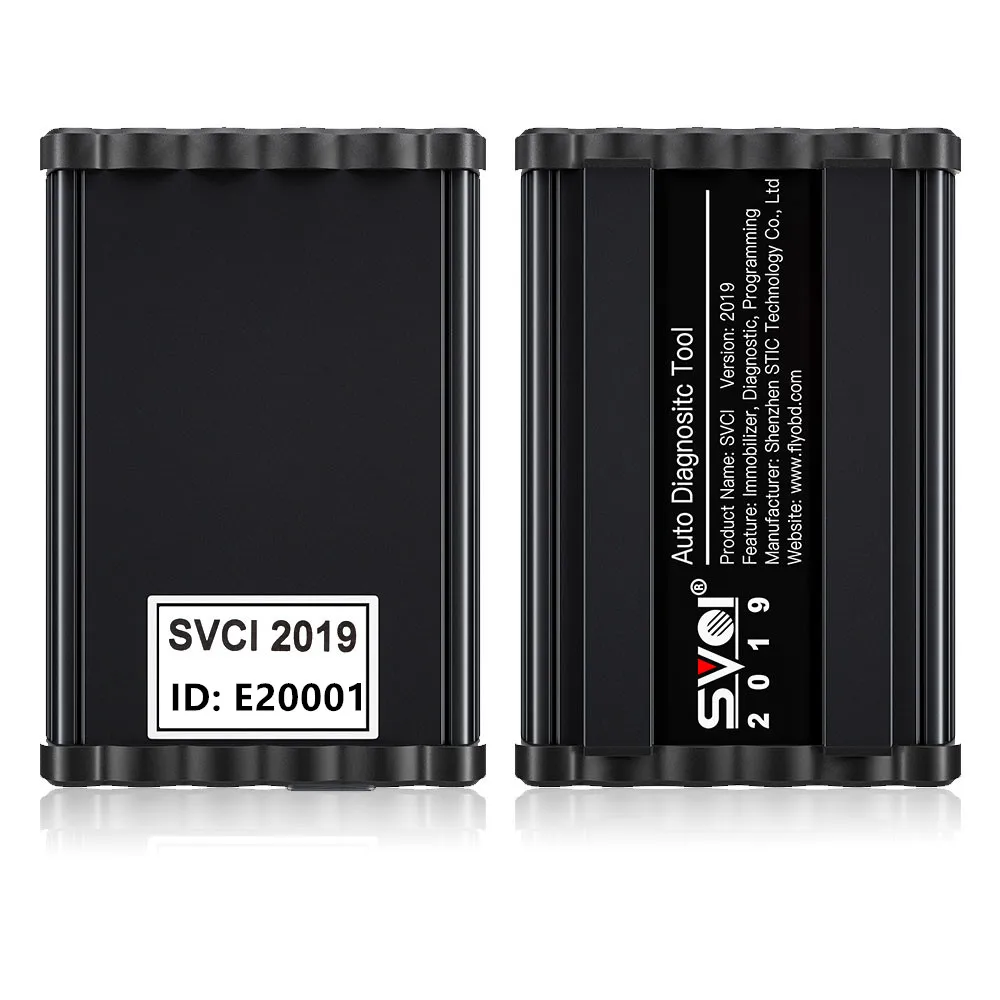
SVCI 2019 Diagnostic Tool
Hightlights:
SVCI 2019 adds for VAG V37.0, for BMW V10.5 and for Mercedes V10.4 than 2018; Supports for VAG, for BMW and for Benz till 2019.
SVCI 2019 Software Installation:
There is only one executable file on the CD-ROM.
Double-click "AbritesCommanderSetup.exe" to start the installation.
Do not plug the USB into the computer during the installation.
After the installation is complete, connect the USB to the computer.
How to use SVCI 2019 Quick Start Software:
SVCI 2019 Quick Launch Software has 38 shortcut icons. Left-click the icon to launch the corresponding software. Compared to the quick launch of SVCI 2018, the activation dialog is not displayed after clicking the icon.
The last icon is the firmware upgrade program. Click it to start the firmware upgrade program. You must be online to download the latest firmware program. After downloading, click Update to update the firmware program.
After clicking the icon, the dongle program icon will appear in the tray at the bottom right corner of the computer. The dongle program cannot be exited while the software is running.