




Последнее обновление: 27.05.2022
YOU CAN ADD ALL ITEMS TO YOUR CART,THEN PLACE ORDER TOGETHER, SO IT WILL COST ONLY ONE SHIPPING COST ACCORDING TO THE TOTAL WEIGHT, THANKS MUCH】
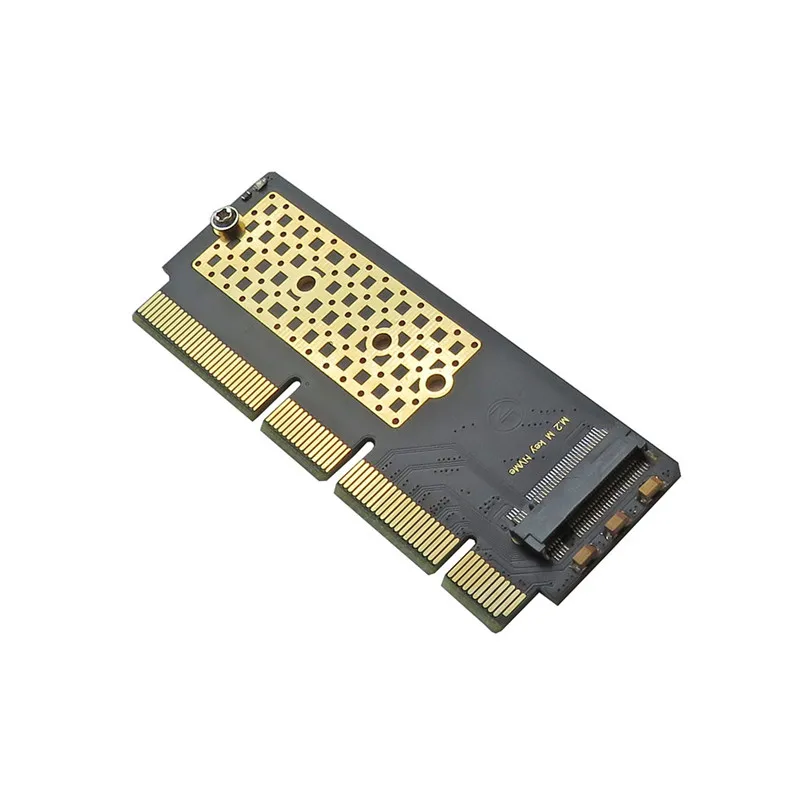
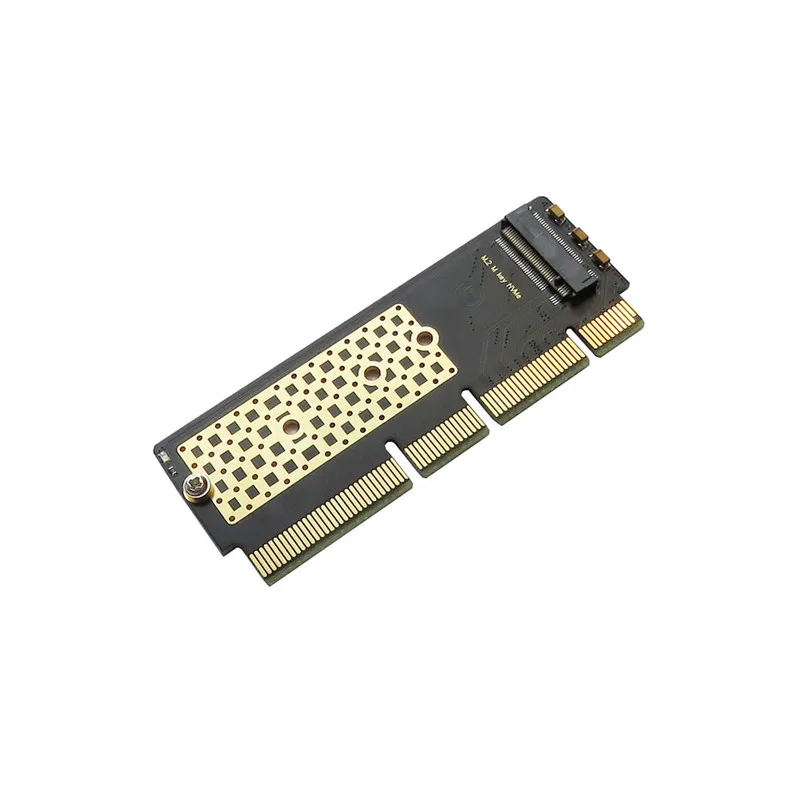
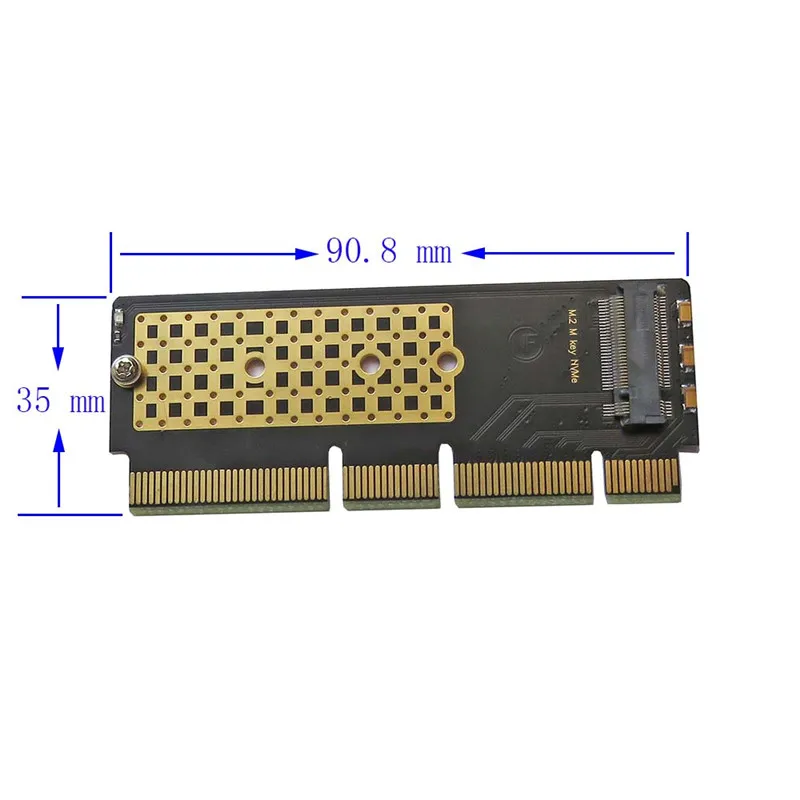
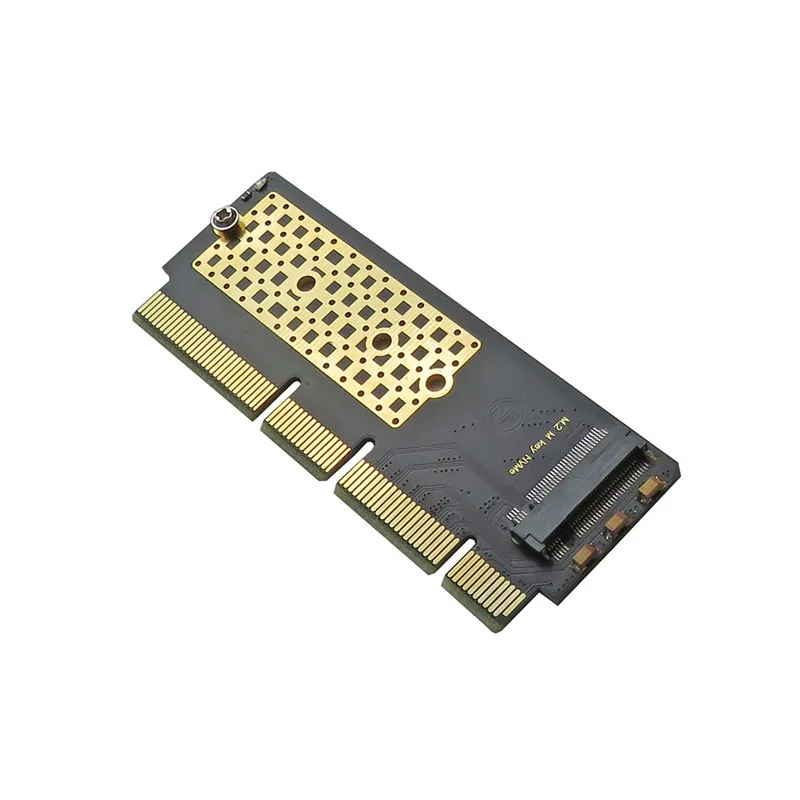
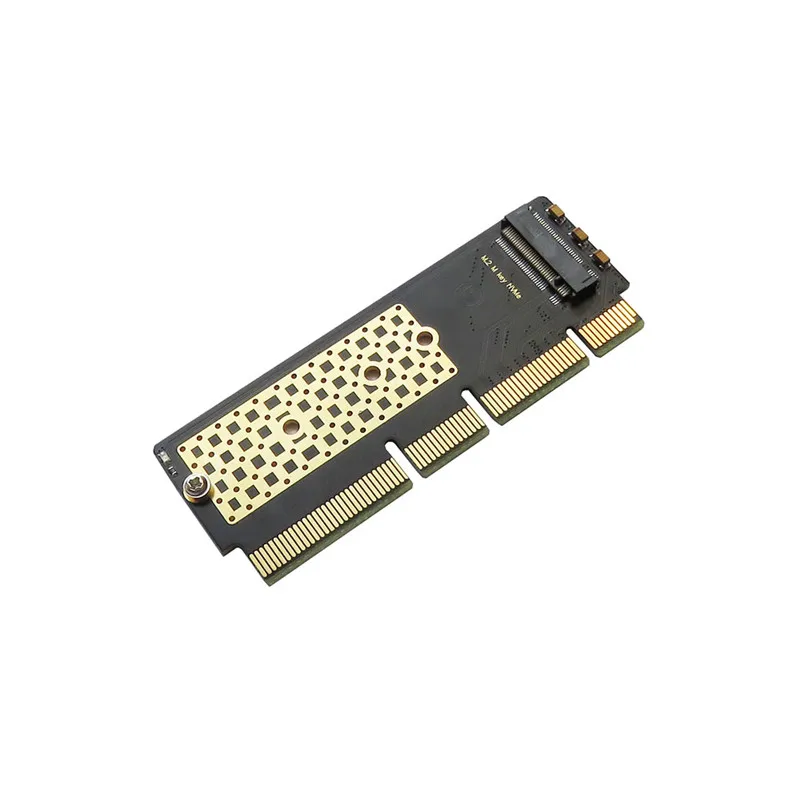
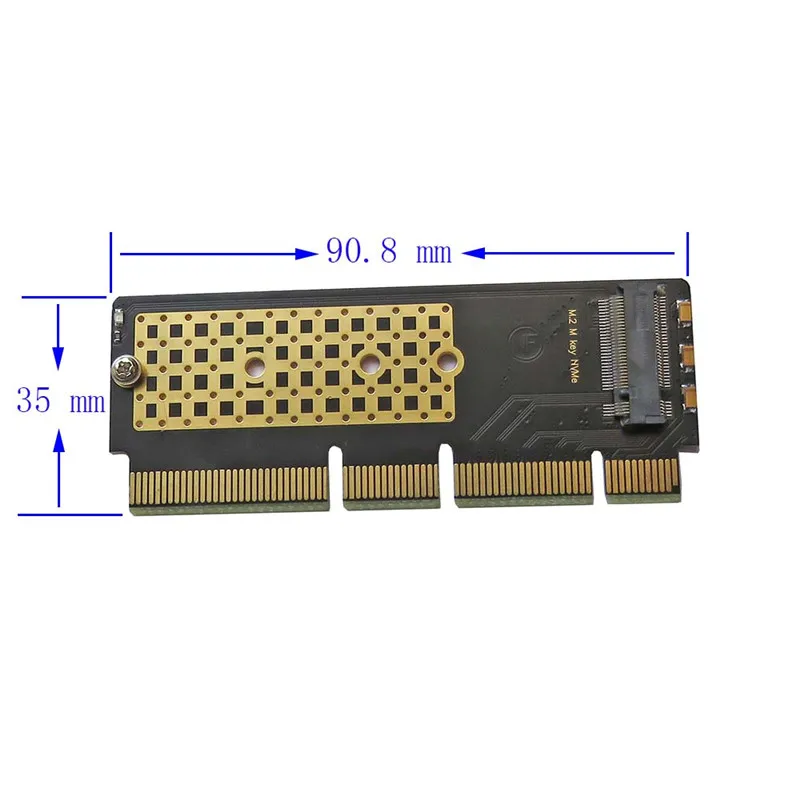
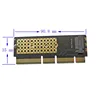
This adapter card only supports the SSD with PCIe x4 transmission protocol in the M.2 NGFF interface (the SSD has only one gap) and the SSD with the PCIE x2 transmission protocol (this kind of SSD has two interfaces, but the transmission protocol is PCIE x2 AHCI, such as Plextor’s M6E series, must be distinguished. There are two gaps and there are SATA transmission protocols. Please consult the official customer service of your solid state drive to understand the transmission protocol of the hard drive. If you buy the wrong one, it will not be used).
This product is inserted into the PCI-E x4 3.0 or PCI-E x8 3.0 or PCI-E x16 3.0 slot of the motherboard, which is the graphics card slot of the motherboard. Don't make a mistake. Insert the PCI slot. If you insert it incorrectly, it may burn the motherboard. , Adapter card and your solid state drive! If you insert the PCI-E 2.0 slot, the speed will be greatly reduced!
After the PCI-E NGFF interface SSD is transferred through the computer's PCI-EX4 or X8 or X16 interface, whether it can be a system boot disk depends on your computer motherboard and has nothing to do with the adapter card. If you want to make a boot disk Please check your motherboard's official website or ask the official customer service to confirm before purchasing. Our store does not assume any responsibility for whether the system disk can be made! General Intel 9 series motherboards can support boot disks after upgrading to the latest BIOS. This shop is just based on experience and is not an absolute guarantee. The official instructions of your motherboard shall prevail! If your machine does not support PCIE boot, you can correctly identify the M.2 NGFF solid state drive on the adapter card after entering the operating system, but it is limited to read and write operations on the hard drive. For example, I use the Z77 motherboard to test and use WIN7 or WIN8. The system installation disk can be recognized during installation and can be partitioned, but the hard disk cannot be found after restarting after copying system files. Because there is no PCI-E hard disk boot option in the BIOS startup item of the machine, this is not a riser card issue